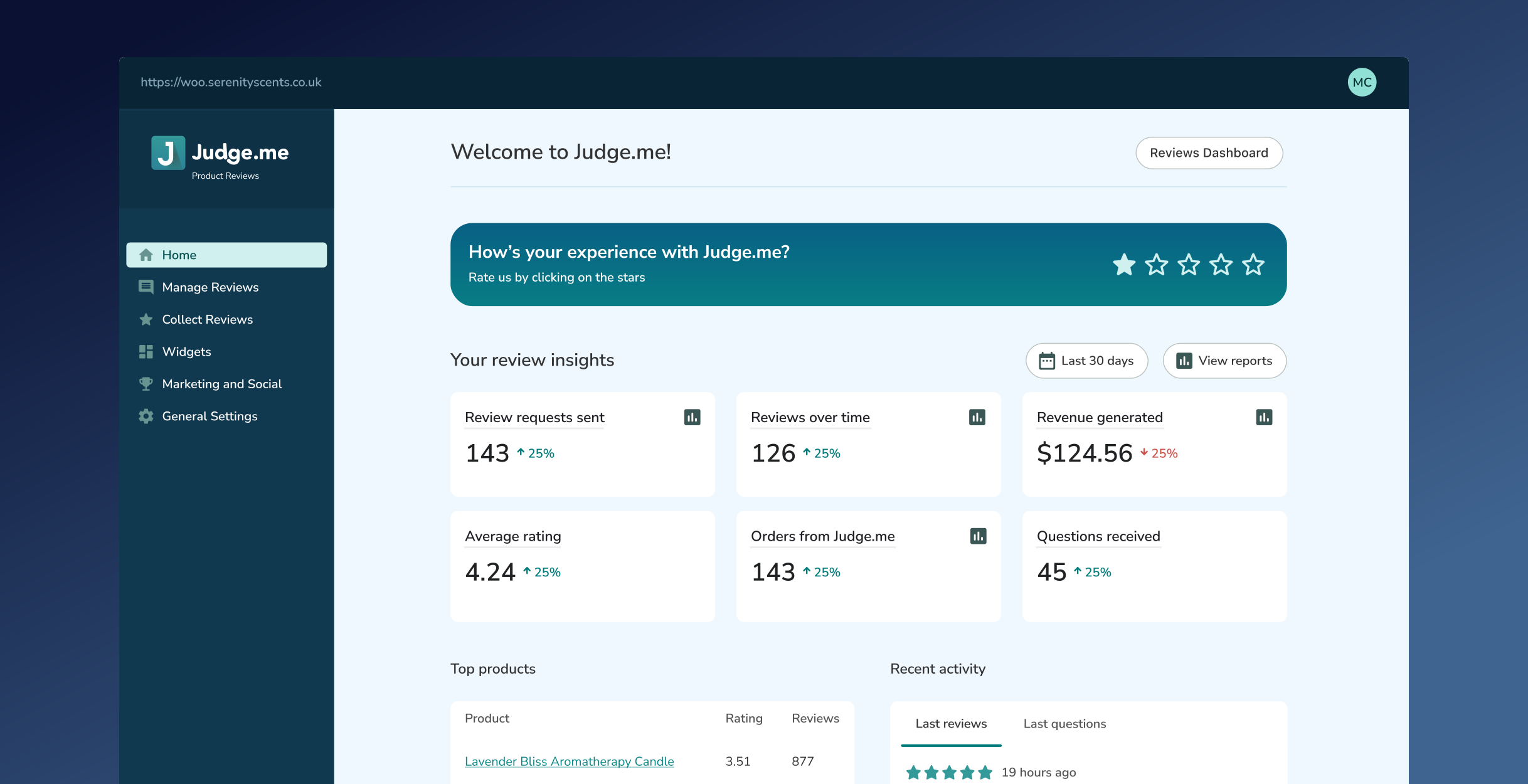
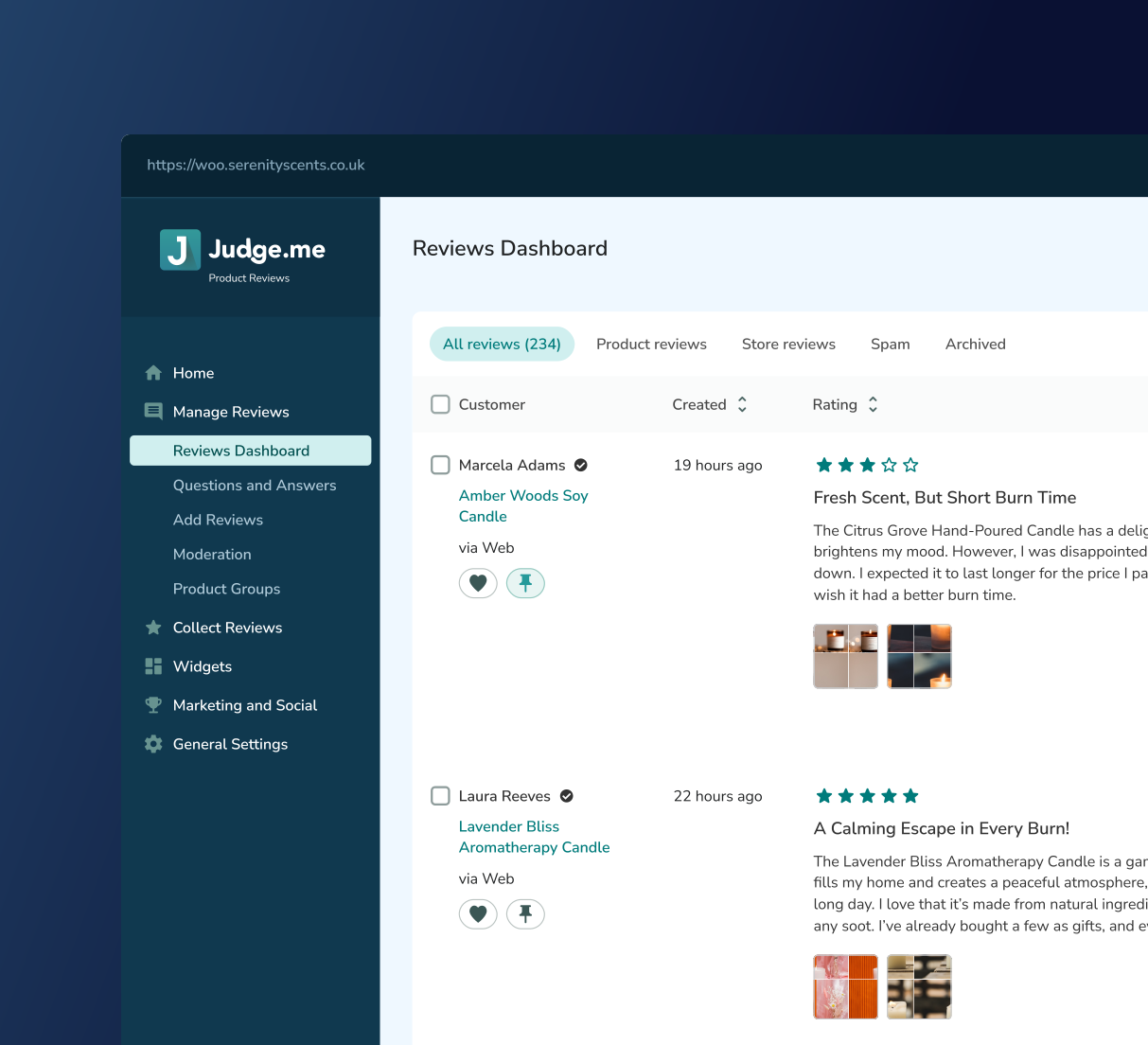
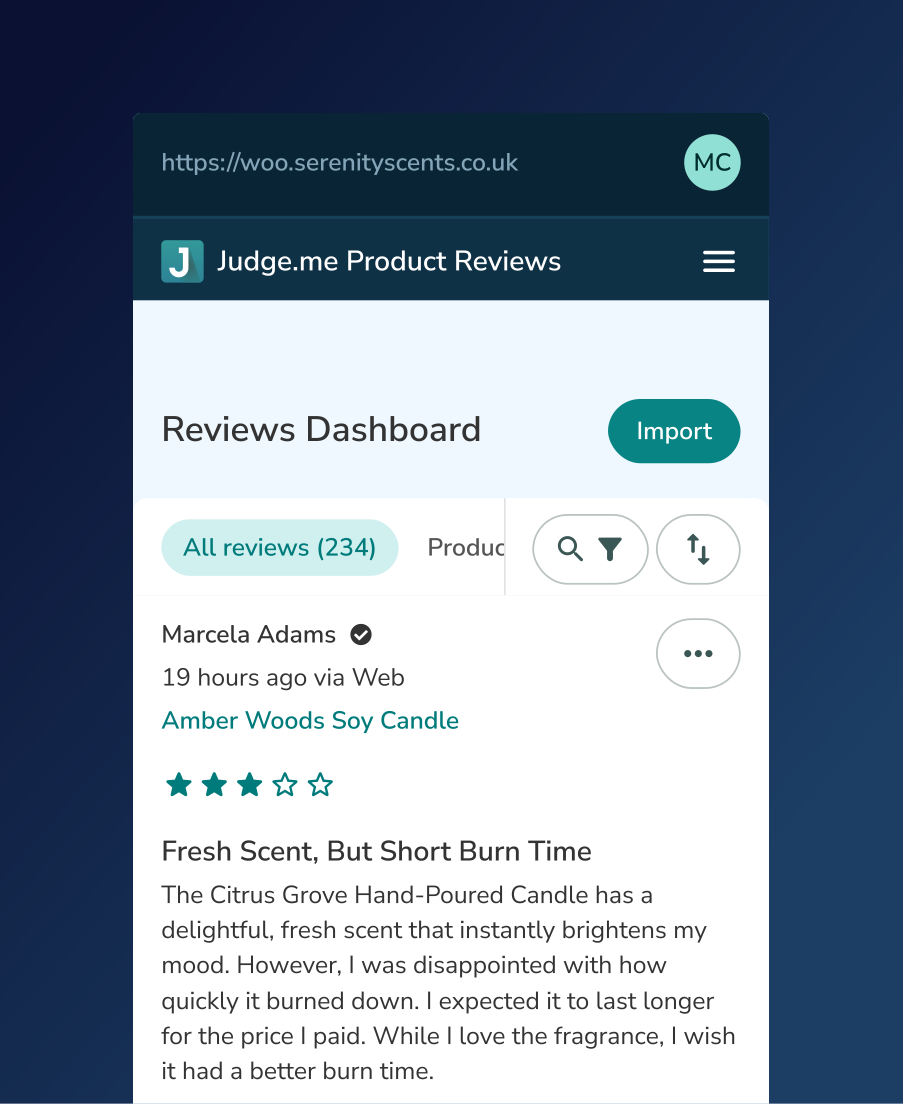
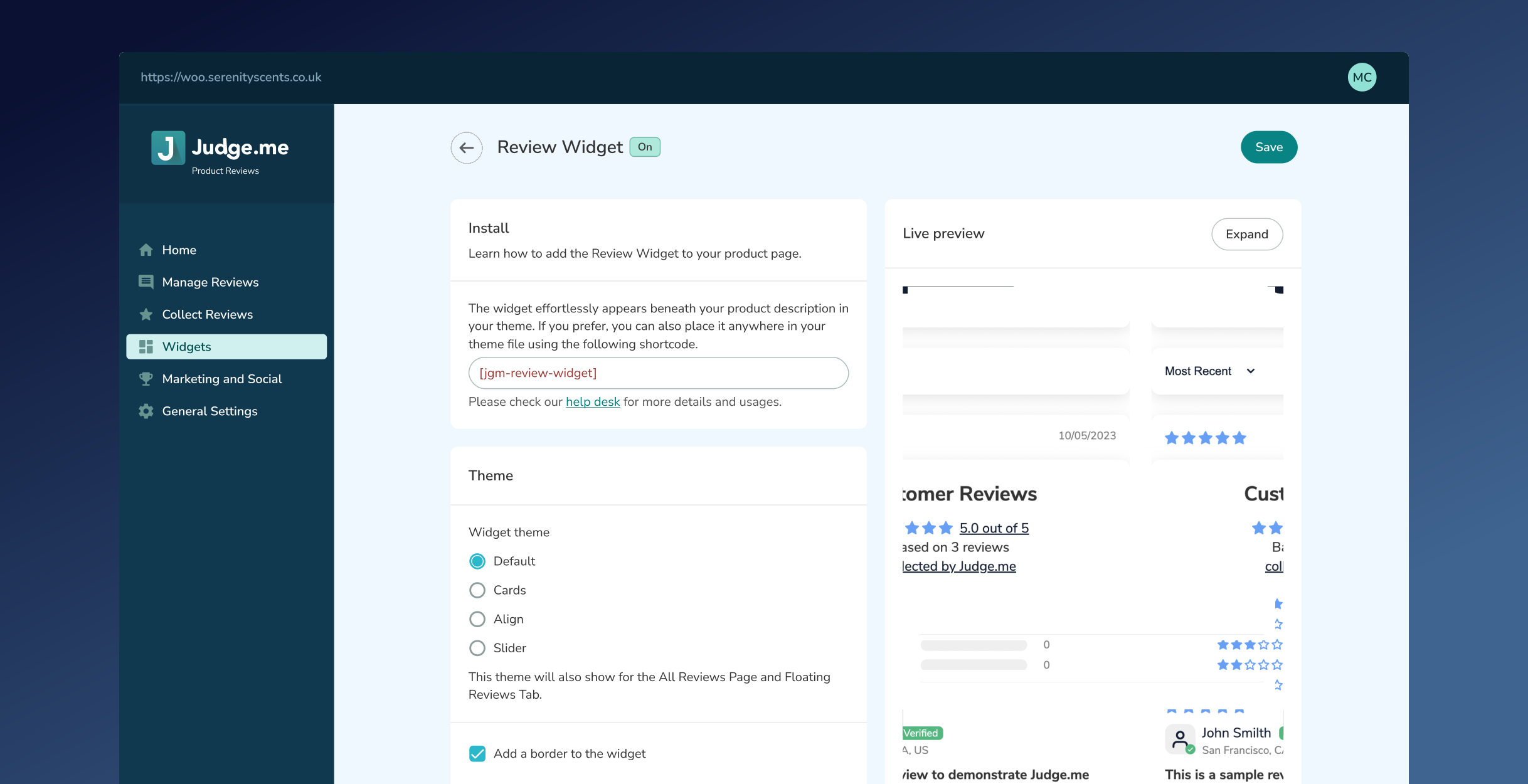
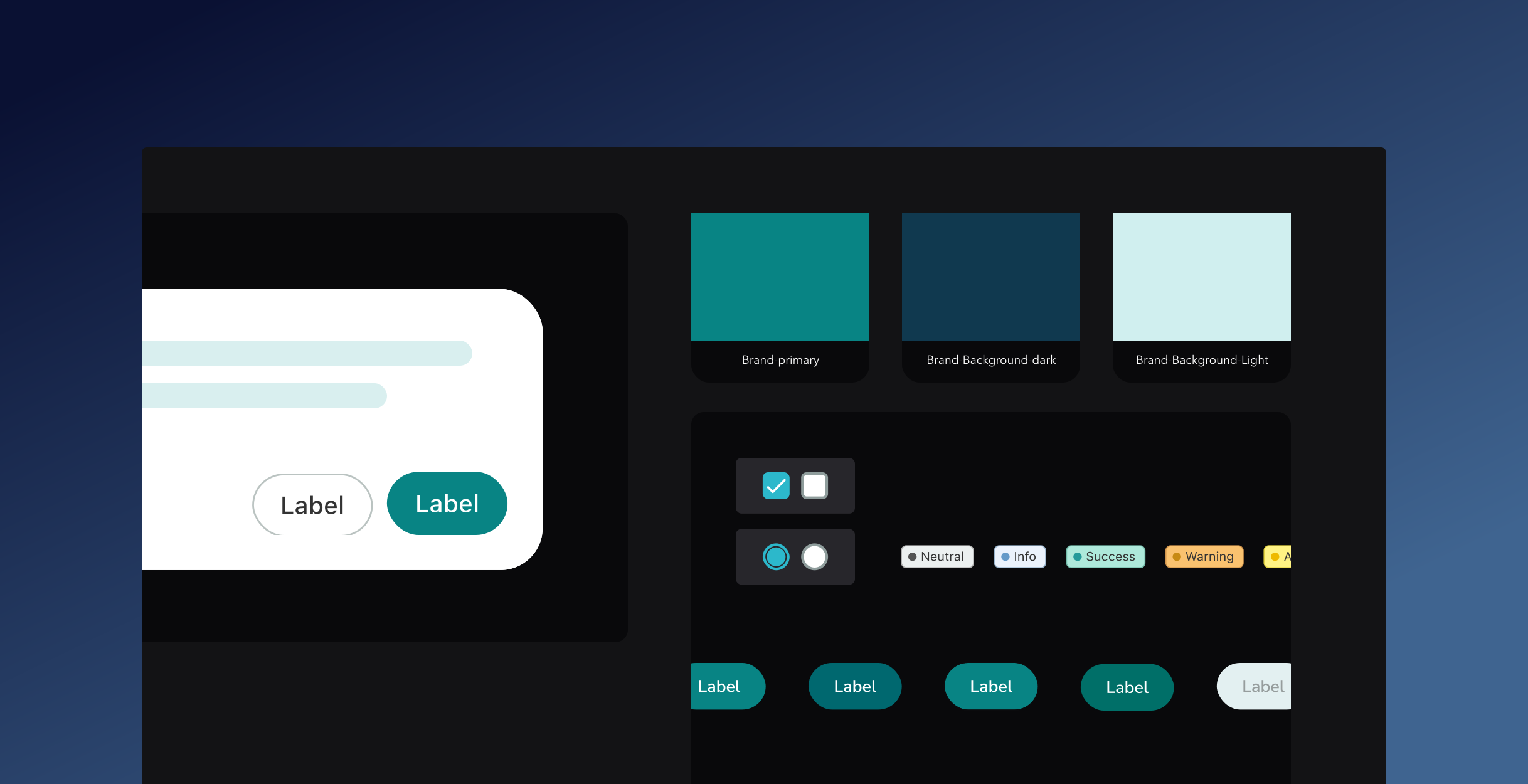
After addressing the Shopify app and implementing the Polaris system successfully, we turned our attention to WooCommerce, BigCommerce, Squarespace, and Square. While these platforms each have their own constraints, they share a common challenge: the absence of a designated design system to guide app development. Recognising this, we decided to create our own design system to unify our presence across these platforms. Thus, Revue was born, a design system inspired by the principles of Shopify's Polaris, tailored specifically for Judge.me's products, mainly the Product Reviews app, and built using Vue.js.
01
The need to create two distinct design systems: one specifically for Shopify and another for other platforms. This was driven by the necessity to ensure compliance with Shopify’s Polaris design system, which is required to maintain consistency and meet the standards for the 'Built for Shopify' badge. However, platforms outside of Shopify have their own unique requirements and user expectations.
02
Developing a separate design system for other platforms, focusing on flexibility while maintaining a consistent brand identity. This system allowed us to customise user experiences for non-Shopify platforms without compromising usability or design integrity.
03
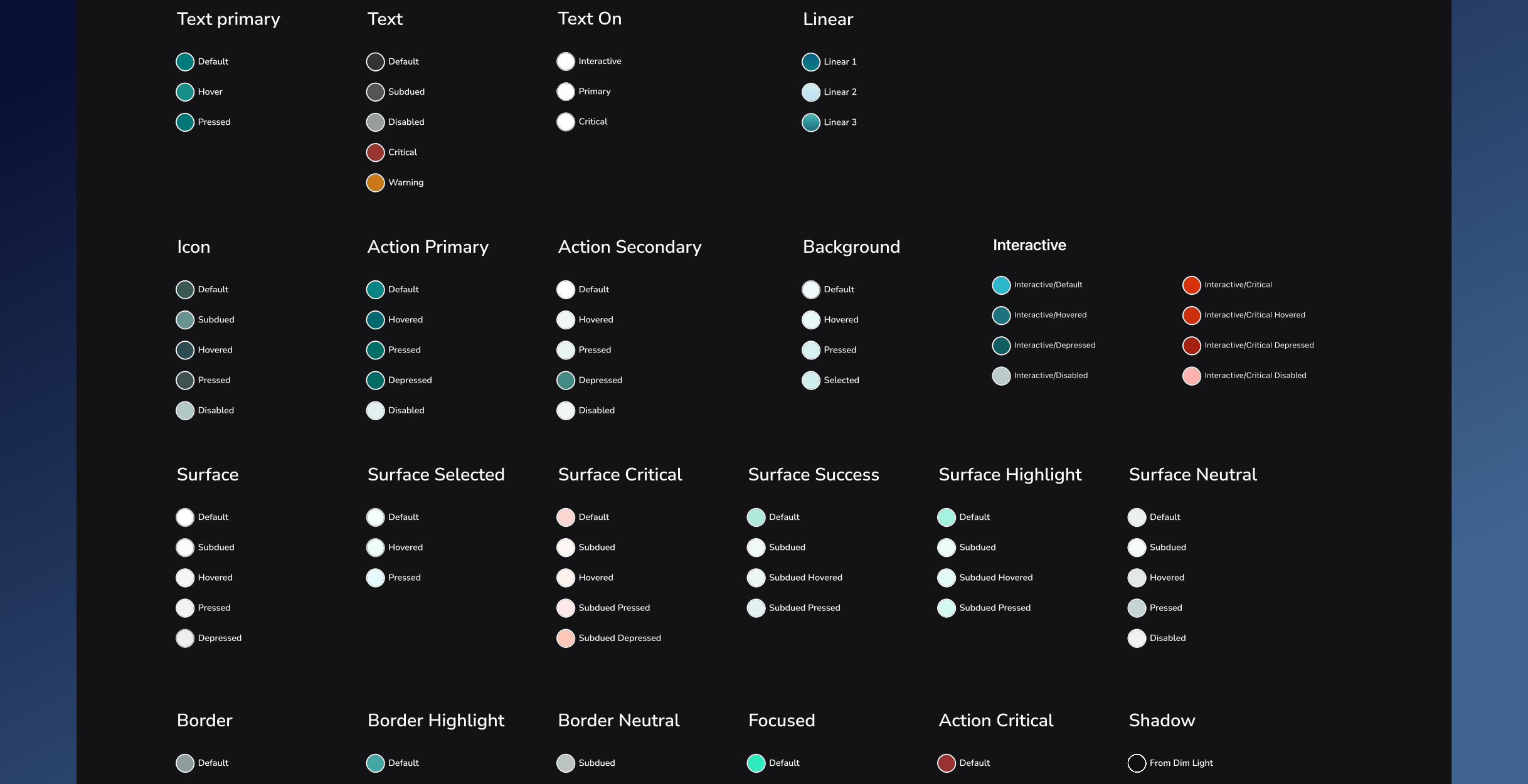
The colour system was developed with a focus on clarity, accessibility, and brand consistency. It features a colour palette of neutral tones, providing a solid foundation for the overall interface, complemented by carefully selected accent colours to enhance visual hierarchy and usability.
04
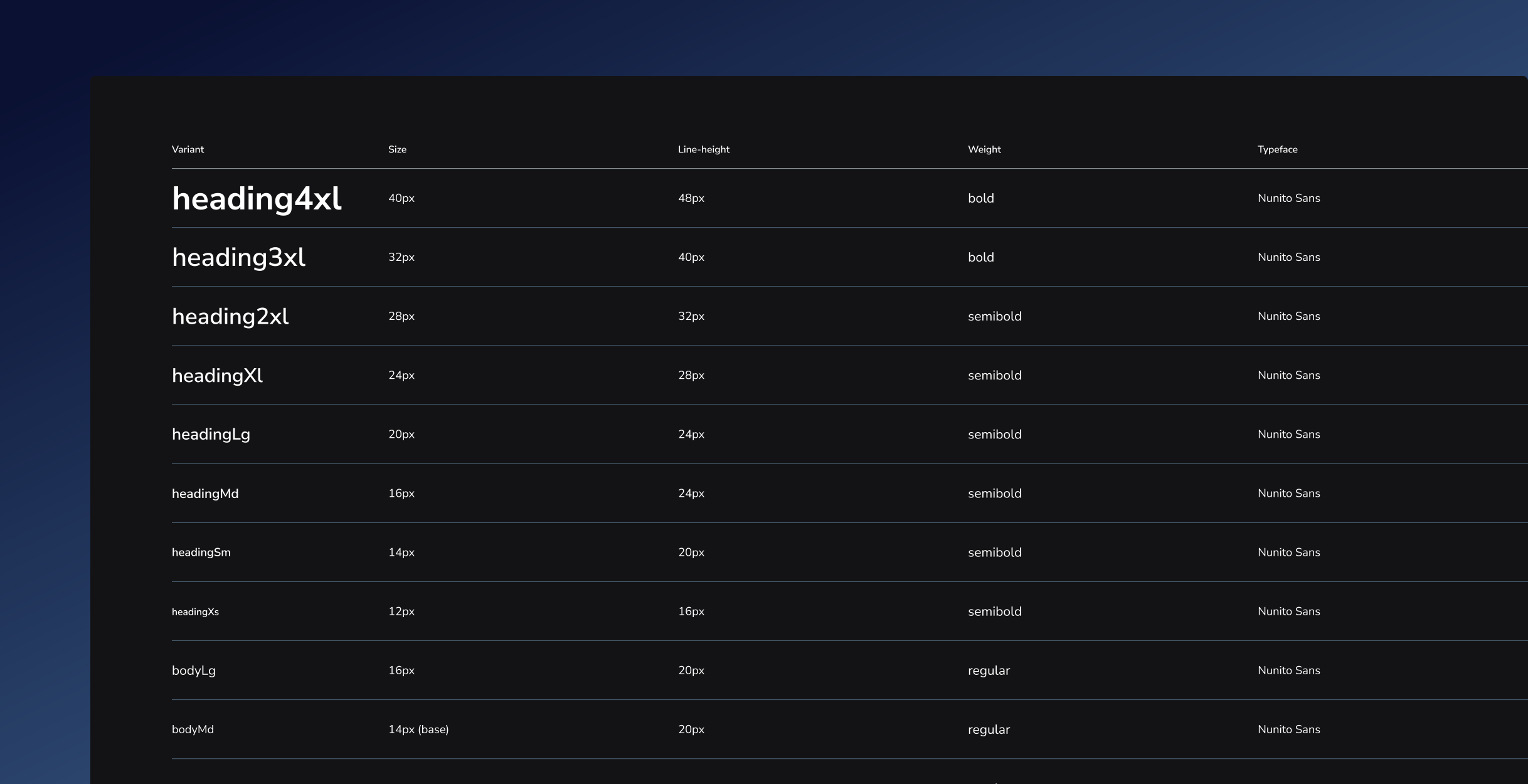
We used Nunito Sans as our single font family to ensure readability across all alphabets and languages. This decision was made to maintain consistency and legibility in diverse scripts, from Latin to Cyrillic and beyond, ensuring that users worldwide have a seamless reading experience.
05
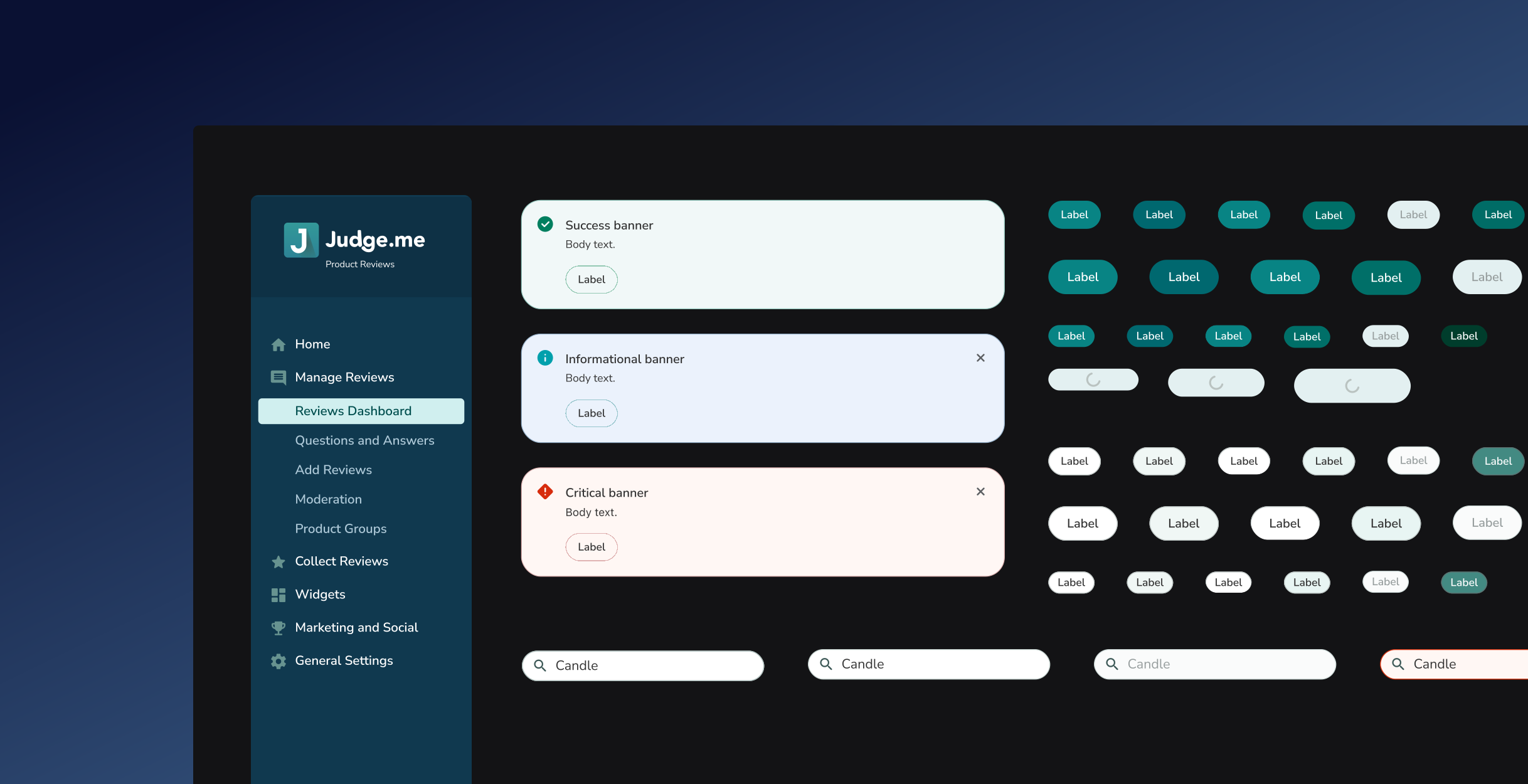
The new components were designed to replace an inconsistent list of buttons, navbars, inputs, and other components used across different products, and became the go-to system while building new features or concepts at Judge.me. The list contains different states and utilises the variables feature on Figma in order to give business users a quick access to all states while also empowering team members to create and iterate on features more effectively.