01
The process
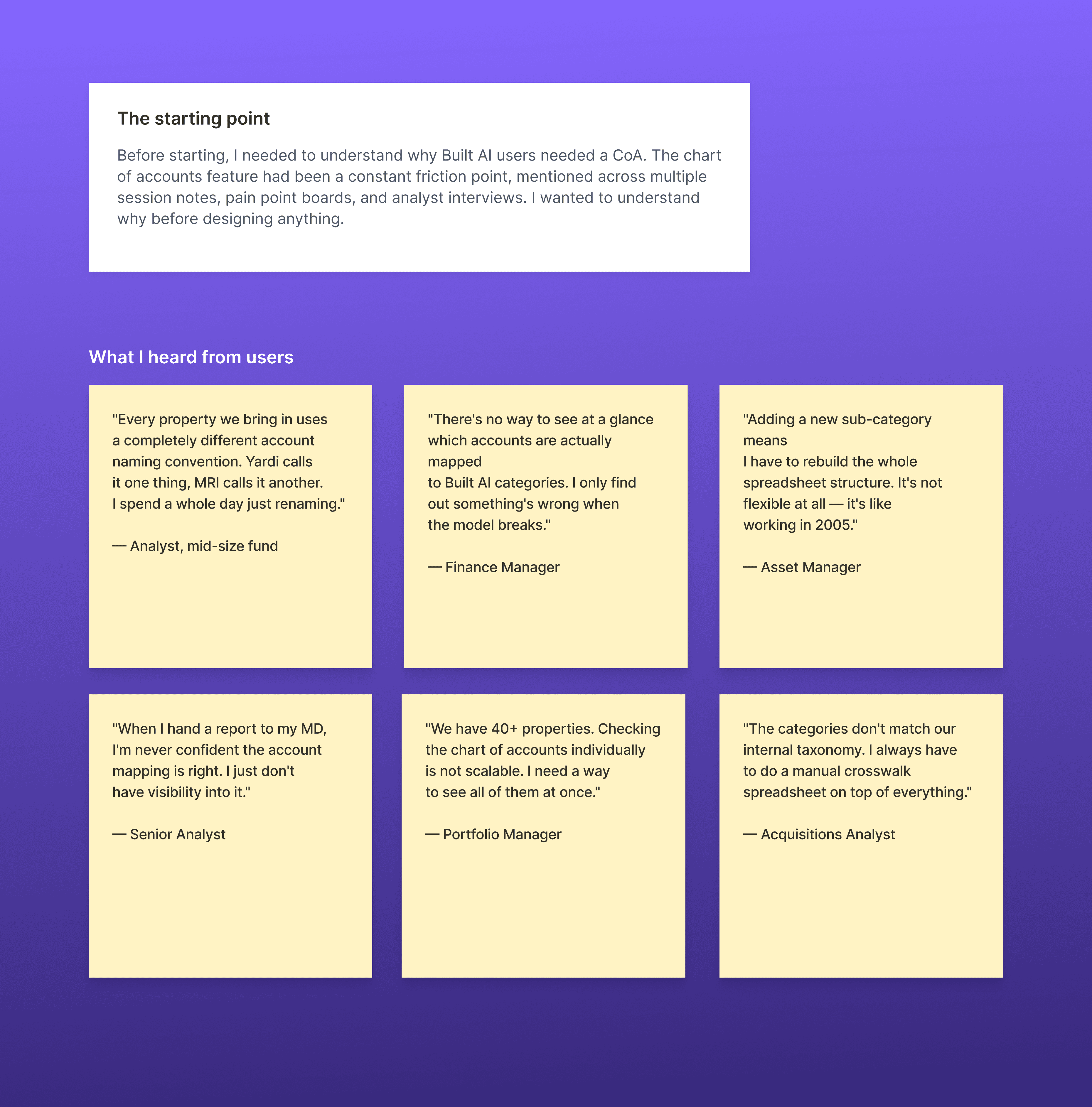
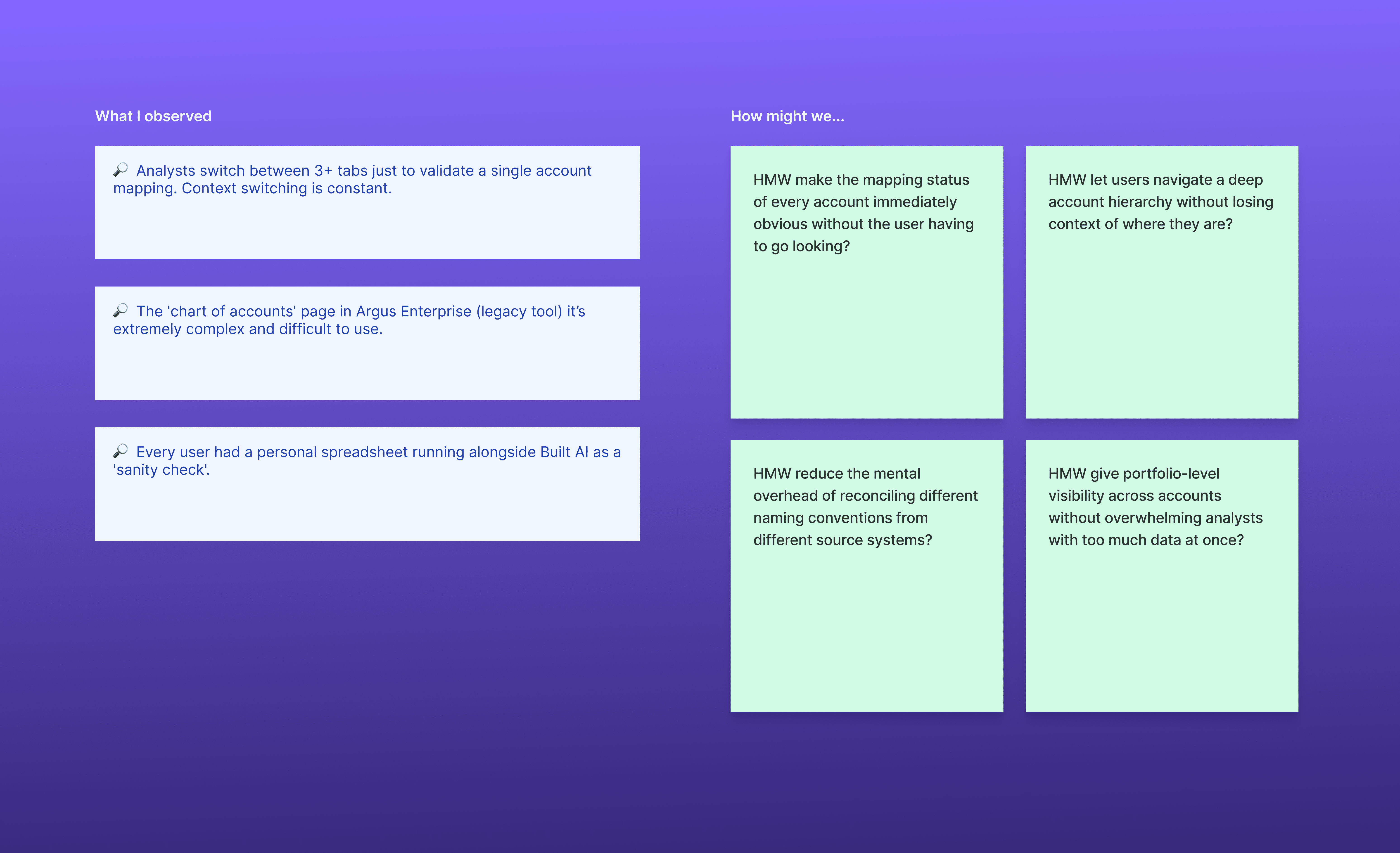
By talking with users we understood that not having CoA on the platform was clearly an issue so we started to plan how we could build it backed by user data.
02
Benchmarking
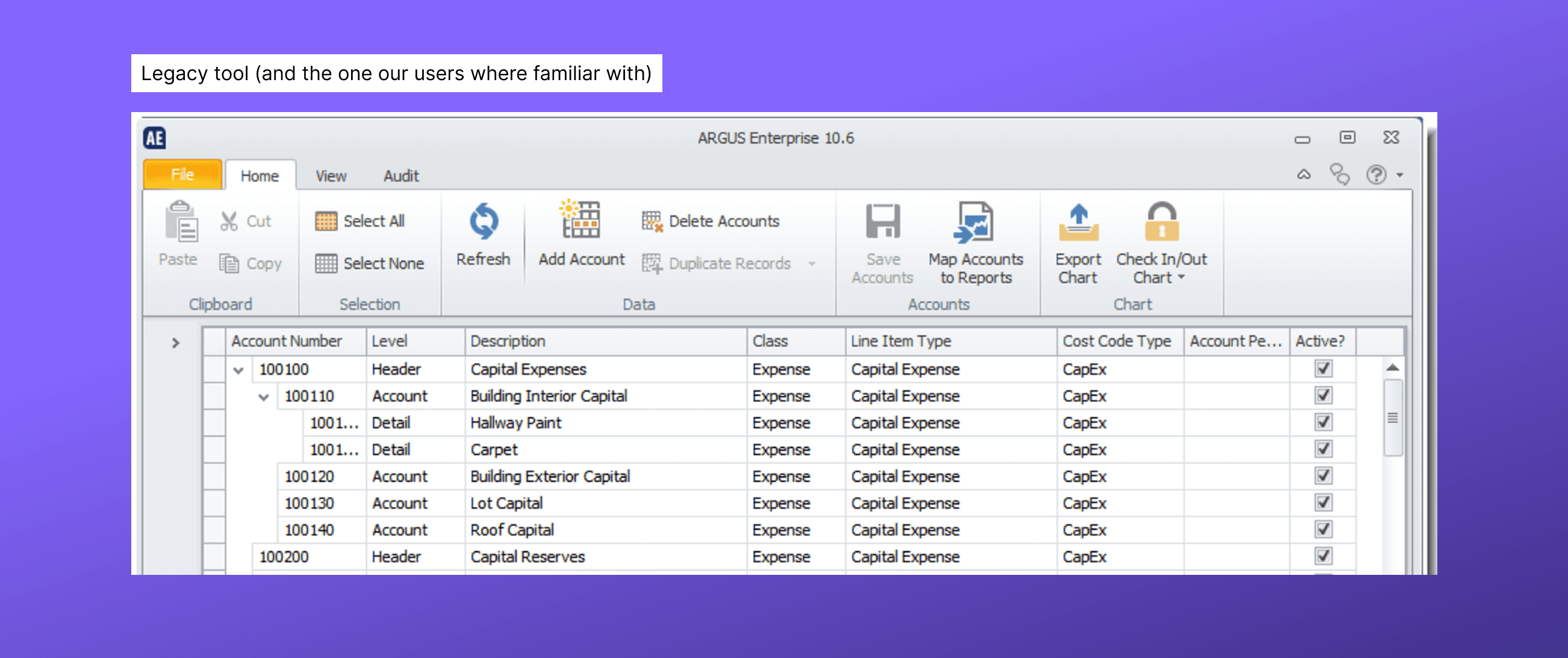
Users were relying on outdated, legacy tools that were clunky, rigid, and difficult to navigate, making even simple financial tasks time-consuming and hard to trust. The lack of transparency in how data was structured and calculated created friction across workflows.
03
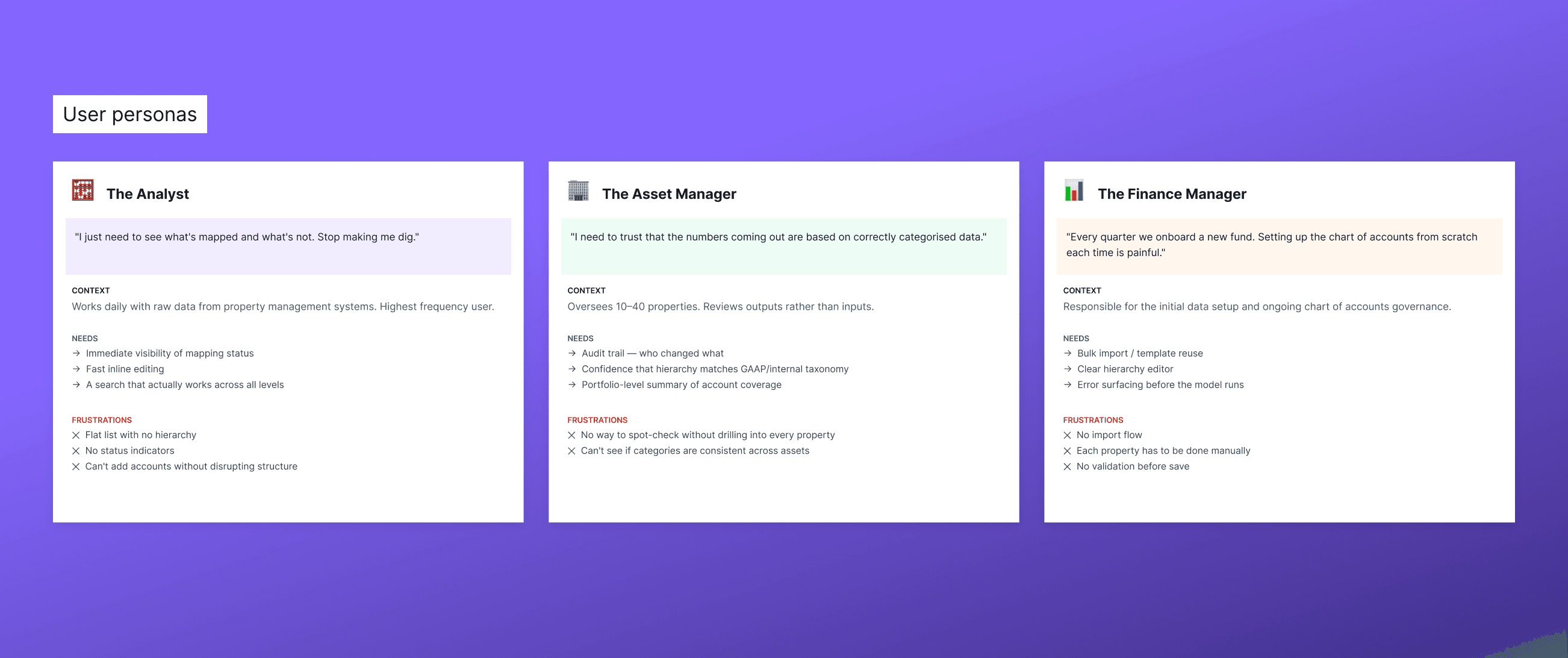
Personas
The feature mainly serves three core users: Analysts who need clear visibility and fast interaction with data, Asset Managers who rely on accurate, consistent outputs they can trust, and Finance Managers who require scalable setup and governance tools. Across all three, the need is the same: structured, transparent financial data that replaces manual, unclear workflows with something reliable and easy to use.
04
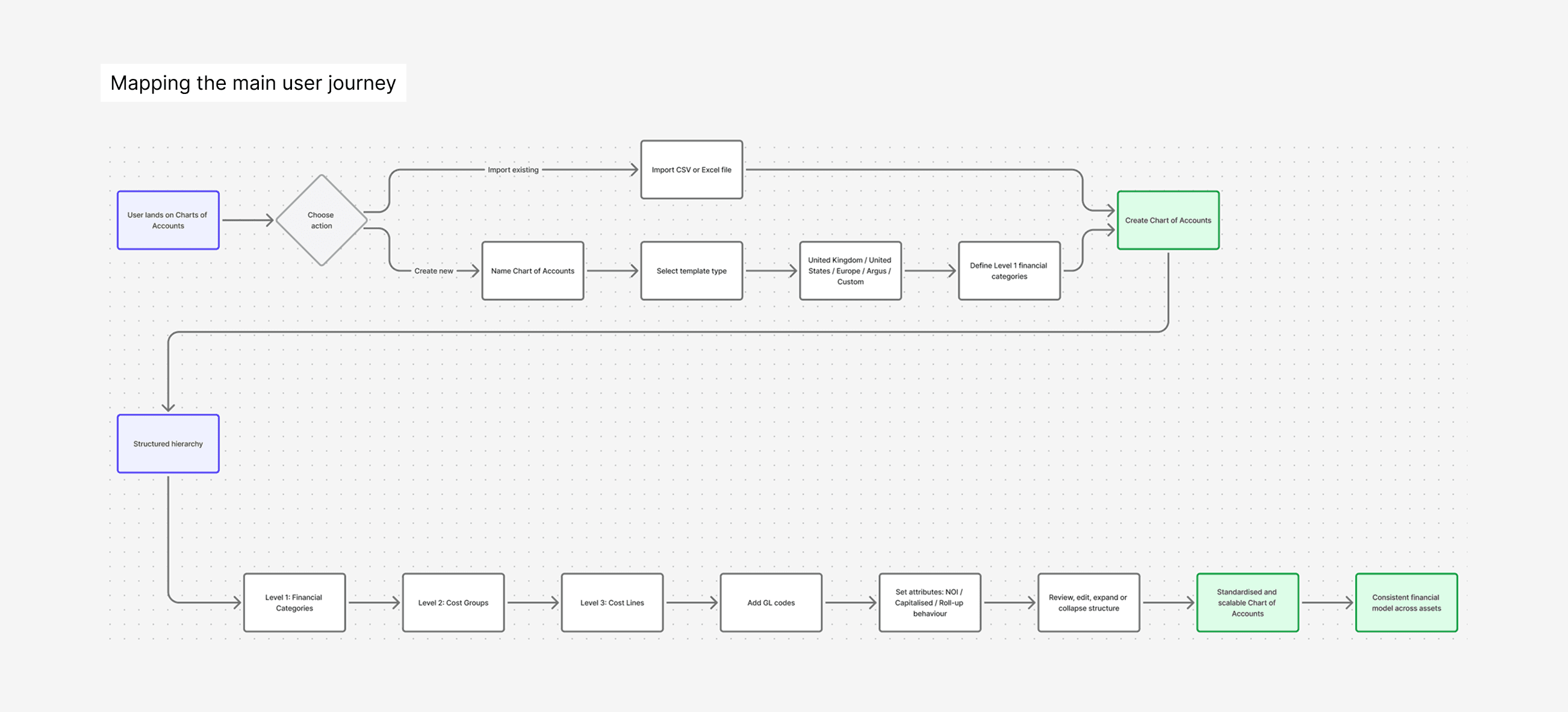
Main user journey
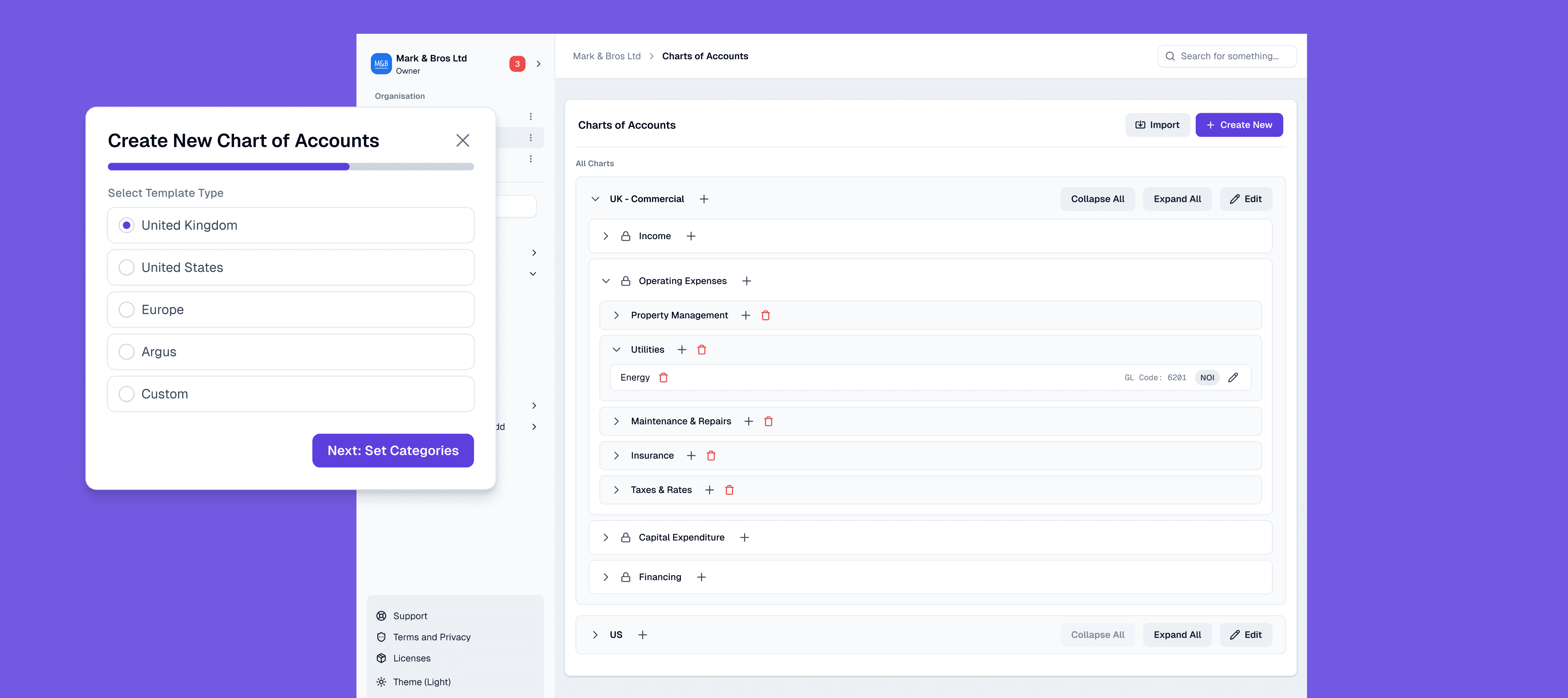
I mapped the end to end journey of setting up a Chart of Accounts, from importing or creating a new structure, selecting templates, and defining categories, through to organising hierarchies and applying financial logic. The goal was to make each step clear and predictable, so users can move from setup to a structured, usable model without friction.
05
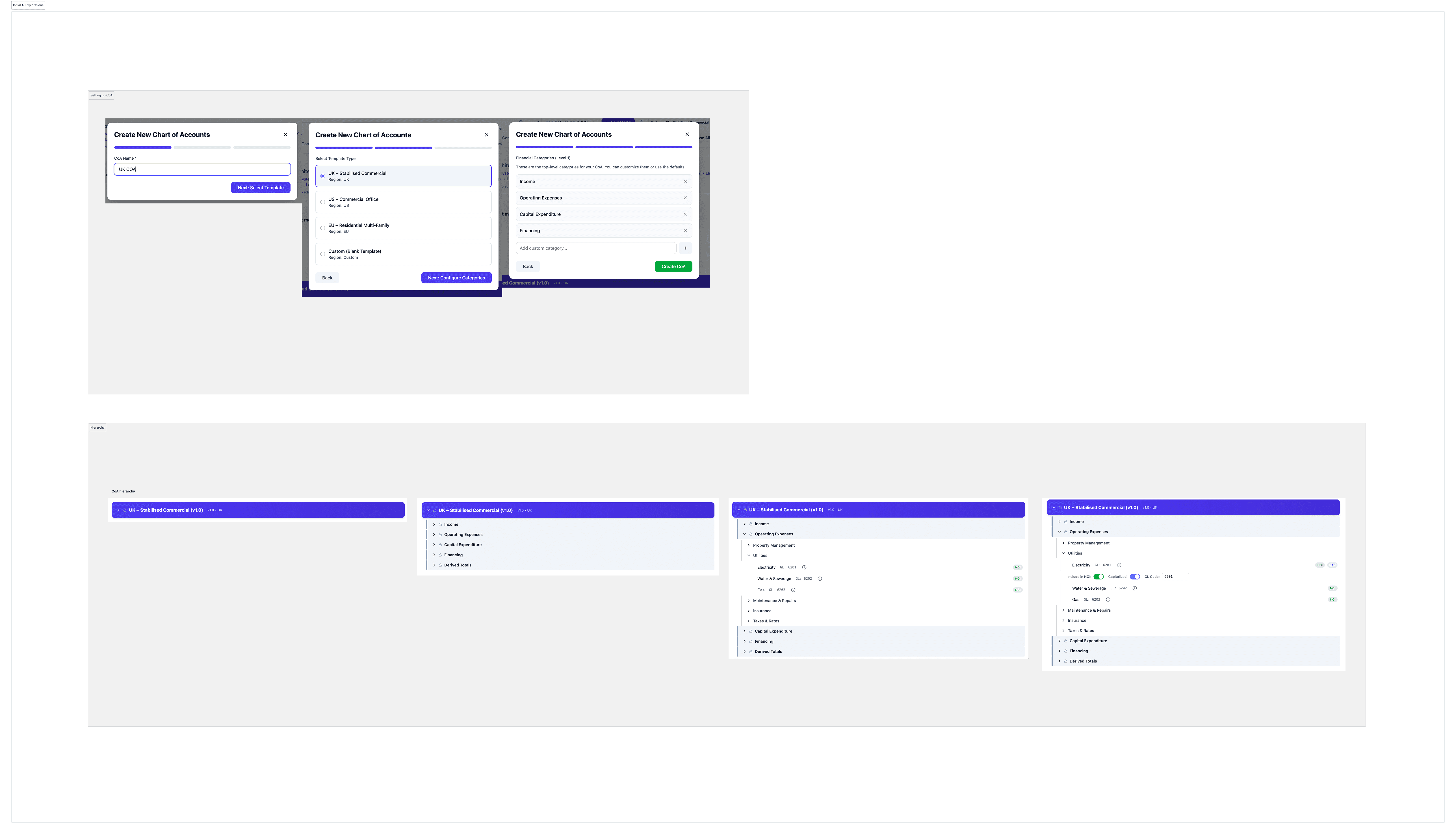
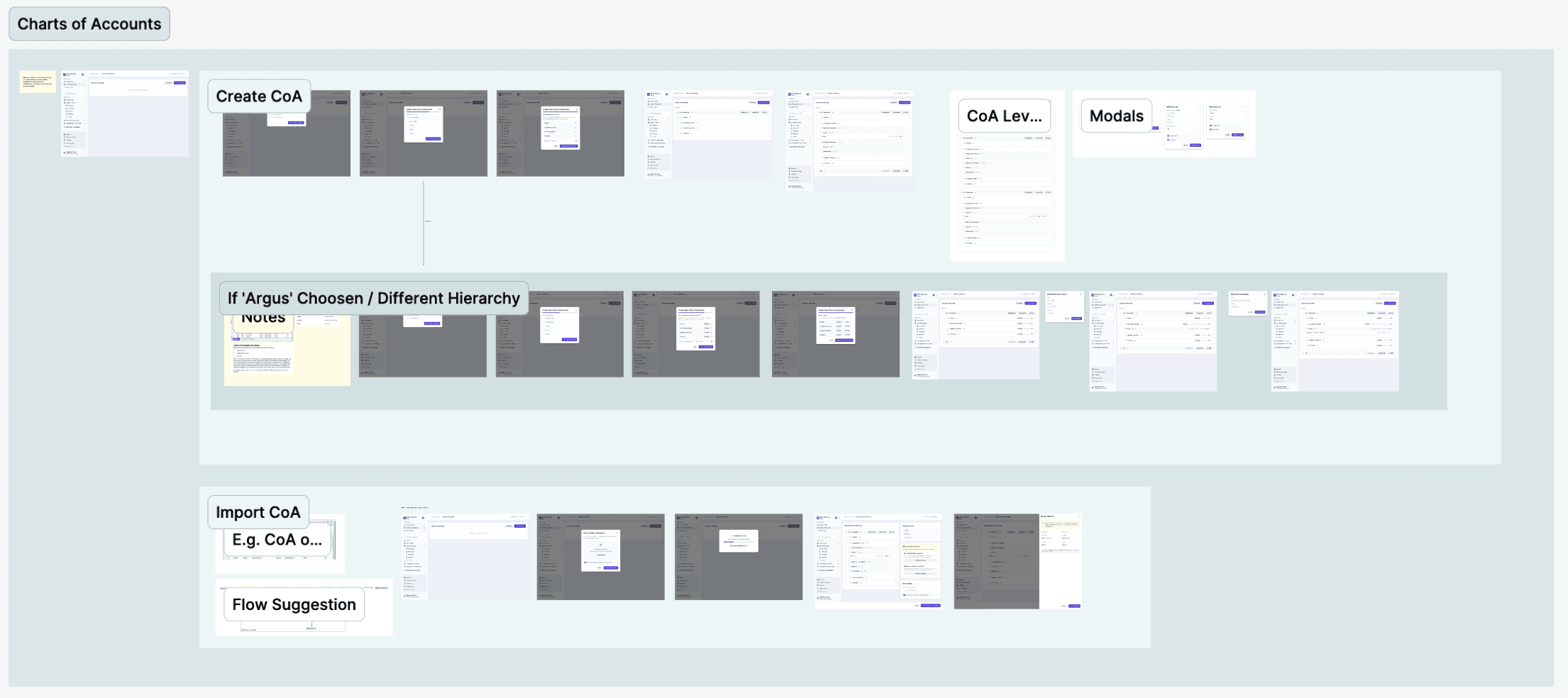
Feature explorations and final designs
As AI became more embedded in the workflow, we focused on helping users navigate a deeply nested structure without feeling overwhelmed. This meant designing for clear, progressive disclosure, revealing the right level of information at the right time while keeping the overall flow easy to understand. We explored multiple approaches through rapid prototyping using Figma Make and Claude, before refining and finalising the experience in Figma.
06
The prototype
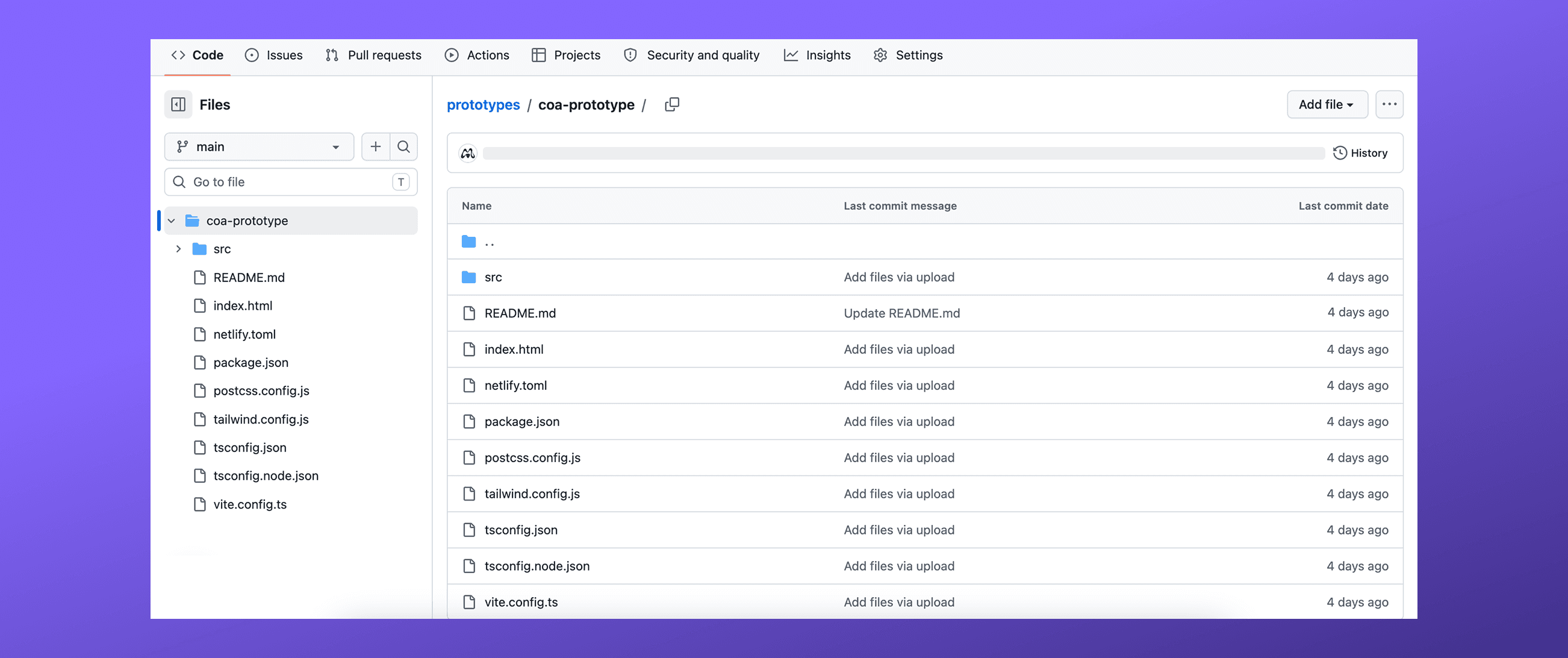
Once the designs were ready, we first built simple HTML prototypes to quickly validate flows and interactions. From there, we moved to production-aligned prototypes using React, TypeScript, and Vite to closely match the final build. By leveraging tools like Claude, which already understand the design system and codebase, we significantly sped up this process. Combined with our set of custom Claude Skills and finalised Figma designs, this approach reduced time to ship by over 50% while keeping outputs closely aligned with production.